• What's going on? •
The rest of the story plays out the same way on every team: the build that turned red in a channel no one was watching, the new bug lost among four hundred others, the rollback that depended on someone waking up the person who made the commit, the development on-call that’s really just a WhatsApp group run on goodwill, the Friday deployment that nobody wants to do, and the Monday postmortem where nobody can figure out what time the problem actually started.

24Cevent makes your life easier...
On-call shifts + Rotations + WhatsApp + Phone calls
Actions on Your Pipeline + Human Approval + Automation + Execution
Correlation + Grouping + Severity-Based Rules + Smart Silences
• It adapts to you, not the other way around •
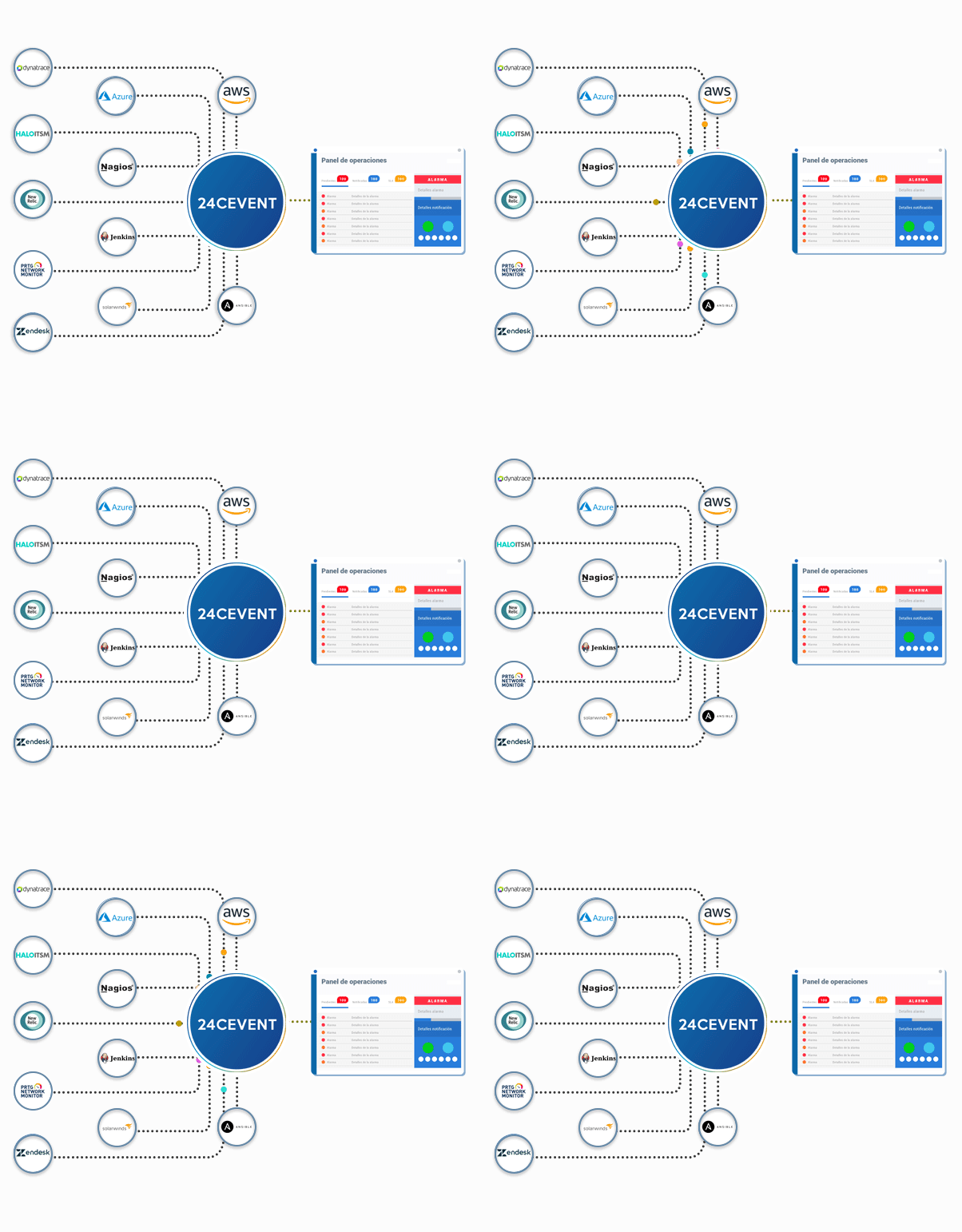
24Cevent does not replace your pipeline or your error-tracking tool. It takes the events that GitHub, GitLab, Jenkins, or Sentry already generate and organizes them into a single timeline: when it was deployed, when the error occurred, who was notified, and how long it took to resolve.
Creation + Coordination + Traceability + Closure
MTTA + MTTR + Incidents per Release + SLA Compliance
• We all have our favorite tech stack •






is already a hit for and others like you

Ivan Flores - Senior Delivery Lead - Cencosud
"It's great. Among its features, the ones I appreciate most are the automatic notifications with voice calls in Spanish to different countries. It centralizes events across our entire infrastructure, integrates with multiple tools, and makes managing notifications easier for us."
Doubts?
Setting up a webhook from your CI tool to 24Cevent. When a build or deployment fails, the event triggers an alert that is sent to the person on duty via WhatsApp, Teams, or phone call, and escalates to the next person if there is no confirmation within the defined timeframe.
Setting up shift schedules with assigned personnel, work hours, substitutes, and holidays. Instead of messaging the person who made the last commit, the alert is automatically sent to the appropriate person at that time. If they don’t respond, it escalates to the next level or switches channels, and the entire process is logged.
Yes, through interactive workflows. When an incident occurs, 24Cevent can notify the person in charge and wait for their approval before executing the action you define—such as triggering the rollback job in your pipeline or calling your own API. Confirmation is provided through the configured channel and is logged along with the incident.
With filtering and severity rules. Events can be filtered based on their outcome, so that only relevant failures trigger a notification and the rest are logged without interrupting anyone. In addition, errors related to the same cause are grouped into a single incident rather than being reported separately.
24Cevent automatically logs the timestamps for each event: when it was generated, when it was confirmed by a manager, and when it was closed. It uses this data to calculate MTTA and MTTR without relying on someone to reconstruct the timeline during the postmortem, and allows you to compare trends across releases.
Yes, using each tool’s native webhooks. On GitHub, you can configure this under Settings > Webhooks by listening for workflow events and filtering out those that end in an error. GitLab has a similar feature in its own webhook settings. You don’t need to install agents or develop custom integrations.